


Important information:
Am 10. April 2024 wurden das Kundenportal sowie der Web-Zugriff auf das Kartenkonto eingestellt. Bitte laden Sie die Swiss Bankers App herunter, um weiterhin uneingeschränkten Zugriff auf alle Dienste zu haben.
Are you a Swiss Bankers sales partner?
Hier geht es zum Partnerportal.
An email from your bank, a call displaying your boss’s number or a website that looks just like the original: everything seems familiar – and that is exactly what spoofing relies on. Fraudsters pose as trusted individuals, companies or services to obtain data or money. Find out what types of spoofing exist, how to recognise the deception and how to protect yourself.
 05.10.2026
 Miryana

Imagine the doorbell rings. On the intercom screen, you see a parcel delivery driver in uniform holding a parcel with your name on it. Most people would probably let him in – even though they aren’t sure whether he really is who he claims to be. Spoofing works on exactly this principle, but in the digital world.
The term is derived from the English verb ‘to spoof’ and essentially means to feign or deceive. Attackers conceal or falsify their identity – for example, using a manipulated email address, a fake telephone number, a spoofed IP address or a cloned website. The communication therefore appears authentic. It is precisely this trust that fraudsters exploit to trick you, for example, into clicking on a link, entering data or authorising a payment.
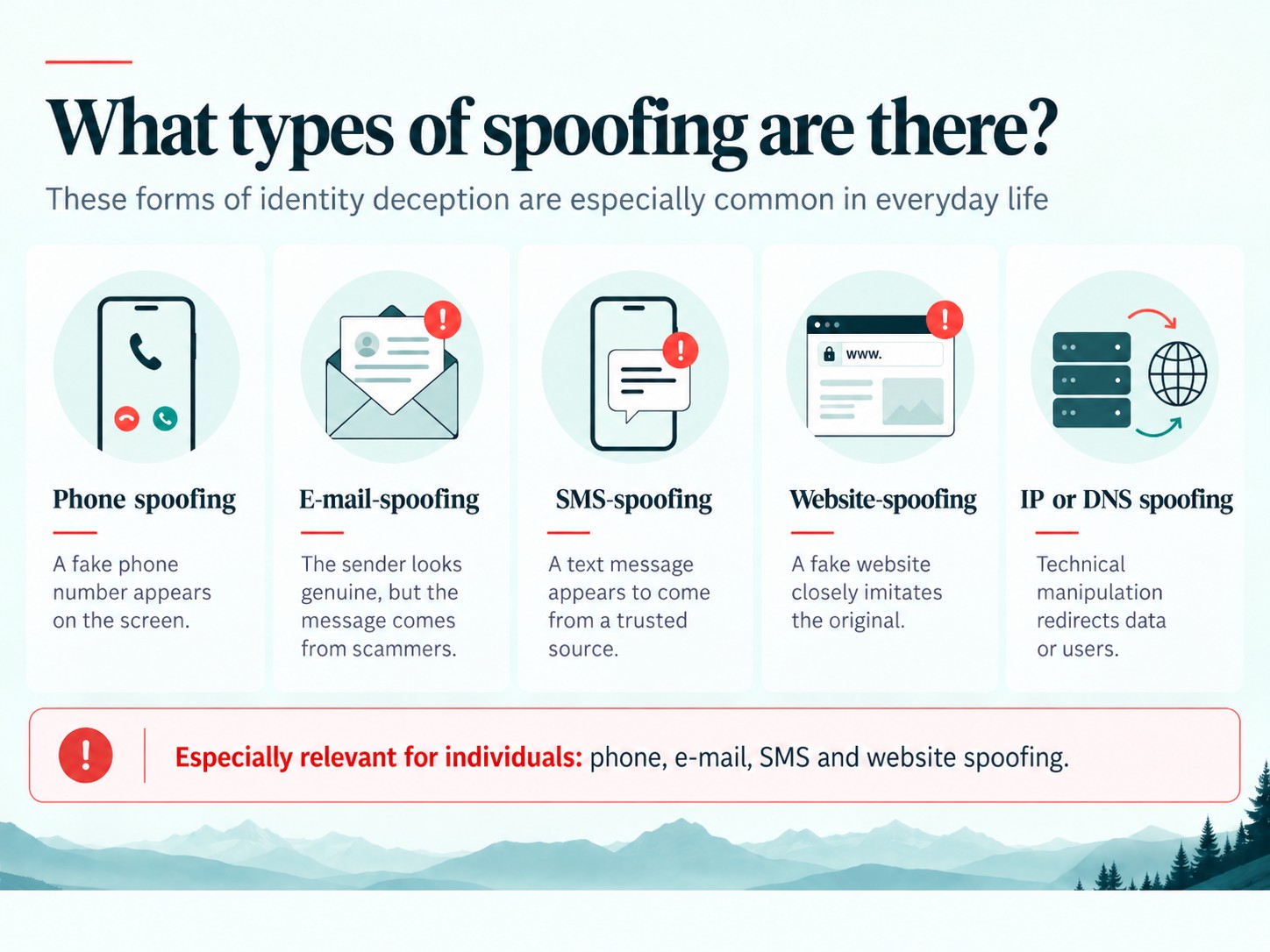
Spoofing can take many different forms. However, the principle is always the same: fraudsters pretend to be someone or something trustworthy so that a call, a message or a website appears genuine.
Telephone spoofing: This involves manipulating the displayed telephone number. For example, the number of a bank, government department or well-known company may appear on your screen – even though the call is actually coming from fraudsters. They may claim, for instance, that they need to stop a suspicious payment and ask you for a security code or a TAN.
Email spoofing: The sender’s address is altered so that an email appears to come from a person or organisation you know. You are often then asked to click on a link, open an attachment or disclose confidential information.
SMS spoofing: The sender’s details can also be faked in text messages. As a result, a fraudulent message may appear to come from your bank, a parcel delivery service or another trusted provider.
Website spoofing: Fraudsters recreate well-known websites as closely as possible – complete with logos, colours and a familiar layout. Often, only the web address differs slightly from the original. For example, a purported security email might lead to a fake login page, where any login details entered are sent directly to the fraudsters.
IP and DNS spoofing: These variants tend to operate in the background. They involve manipulating technical information or redirecting users to fake websites without their knowledge. Such attacks are usually more difficult for individuals to detect. You should therefore take browser warnings seriously and keep your browser, operating system and router software up to date.
In everyday life, individuals encounter telephone, email, text message and website spoofing particularly frequently. These are often used to build trust and make further attempts at fraud appear more credible.
Spoofing relies primarily on trust. A familiar phone number, the name of your own bank or a professionally designed website can quickly give the impression that everything is as it should be.
The deception becomes even more convincing when fraudsters already know your personal details – such as your name, your bank or your employer. The more familiar the contact seems, the less likely you are to question it straight away.
This is precisely where the strength of spoofing lies: the deception is often only recognised after someone has already acted.
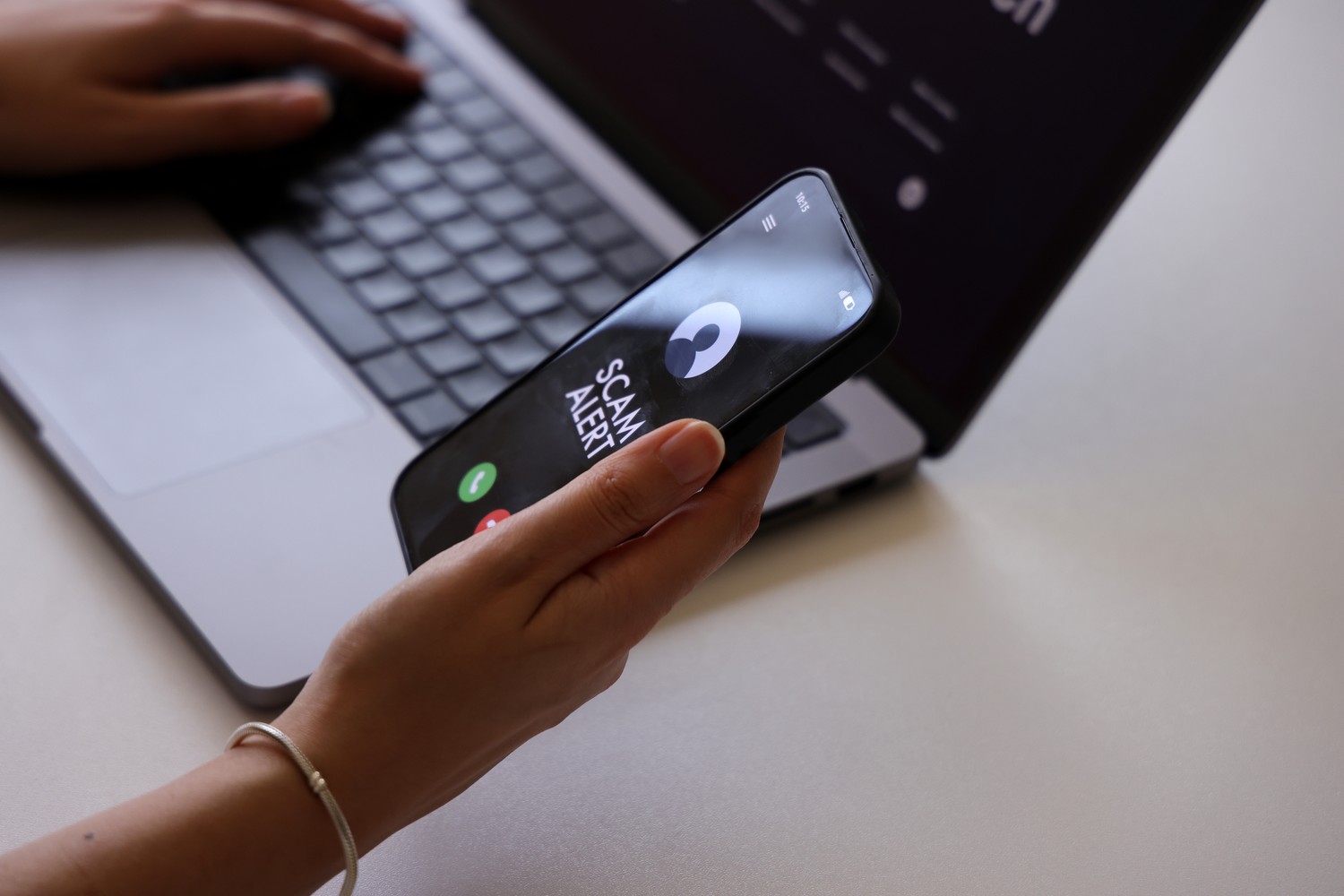
Spoofing is often difficult to spot at first glance, precisely because it exploits your trust in a familiar sender. It is therefore not just who appears to be writing or calling that matters, but above all what is being asked of you.
Pay particular attention to these warning signs:
Important: Even a familiar telephone number, a familiar sender’s name or a correct logo do not prove that the message is genuine. It is precisely these details that can be manipulated in spoofing attacks.
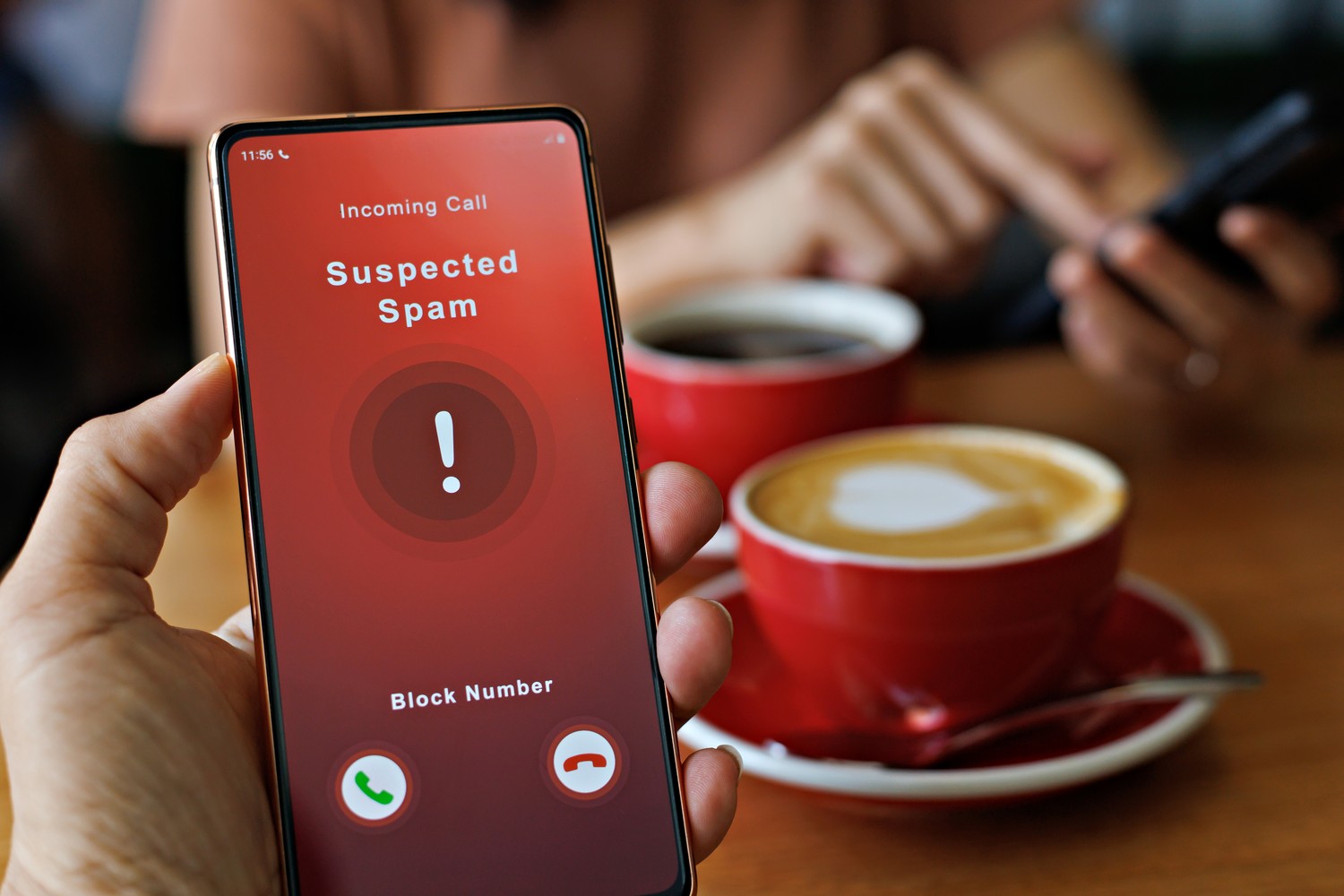
If a call, text message or email seems unusual, you should not rely on the sender’s details as displayed. Instead, verify the contact details independently.
Important: If you suspect something is amiss, do not simply call back the number displayed. Instead, use a telephone number that you have found yourself via an official source.
If you have responded to a suspicious message, shared your details or confirmed a payment, there is one thing above all else: act quickly and decisively. The steps you need to take depend on what has happened.
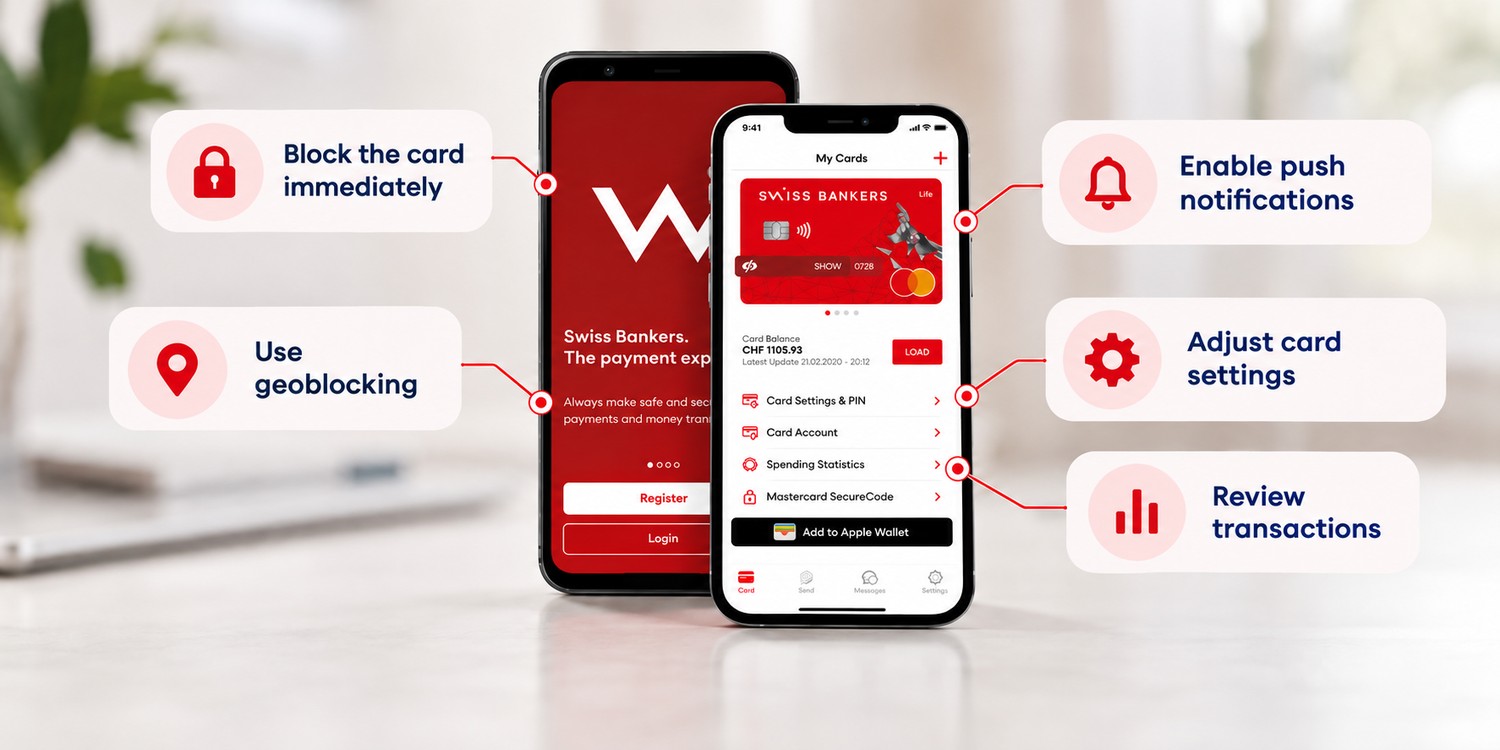
With the Swiss Bankers app, you can block your card immediately if necessary, use geoblocking, activate push notifications, manage your card settings and check transactions. This allows you to spot suspicious activity more quickly and limit any potential damage.
Spoofing cannot always be completely prevented. However, you can significantly reduce the risk by taking a few simple measures.
Spoofing makes fraud attempts particularly convincing because familiar names, telephone numbers, email addresses or websites inspire trust. Yet it is precisely this information that can be manipulated.
You should therefore be on your guard if you are contacted unexpectedly, put under time pressure or asked to disclose sensitive data. Do not rely solely on the displayed sender details. If in doubt, verify the request yourself using the official app, website or phone number.

© Swiss Bankers 2026


